








In the Windows XP system, after opening multiple windows of the same application, users can view, identify, and switch between the titles of each window through a list without needing to display thumbnail images of the window contents. Once the windows of the same application are grouped together in the taskbar, clicking on the group button will pop up a list of window titles.
In the Windows 11 Build 26340.9596 preview version, Microsoft continued to adopt the list display approach from Windows XP, with the only change being that the trigger method was changed to mouse hover. After users hover their mouse over the taskbar application icons, they can use a "application icon + window title" list to replace the thumbnail preview.
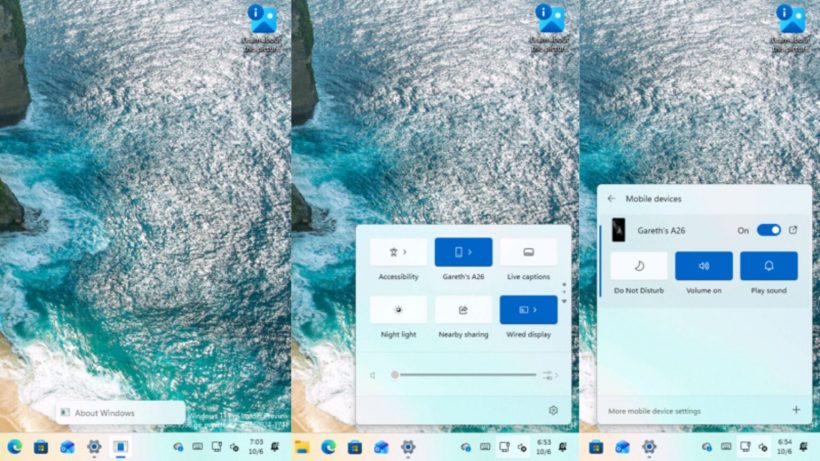
In terms of settings, users can open the settings app and adjust the preview display method under "Personalization" → "Taskbar." The drop-down menu includes thumbnails (Thumbnail) and list (List), with thumbnails being the default option. Once the list mode is selected, when the mouse hovers over the taskbar application icons, only the application icon and window title are displayed.
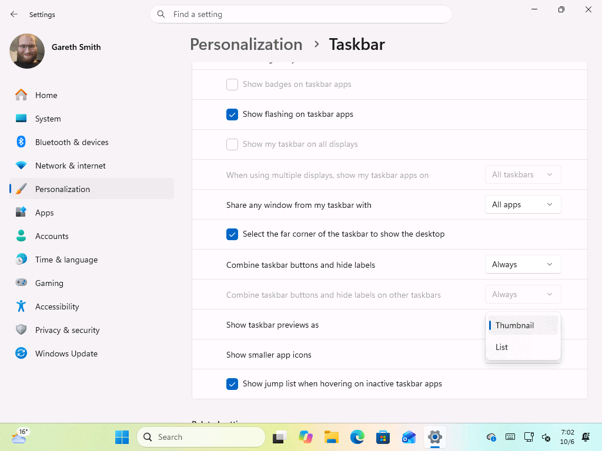
IT's home quotes a blog post and attaches relevant comparison images.